User Tools

Site Tools


Navigation Menu

Rustic Retreat

Live broadcasts and documentation from a remote tech outpost in rustic Portugal. Sharing off-grid life, the necessary research & development and the pursuit of life, without centralized infrastructure.
Rustic RetreatSubscribe to our new main project Rustic Retreat on the projects own website.

Hot Projects

SEEDStack
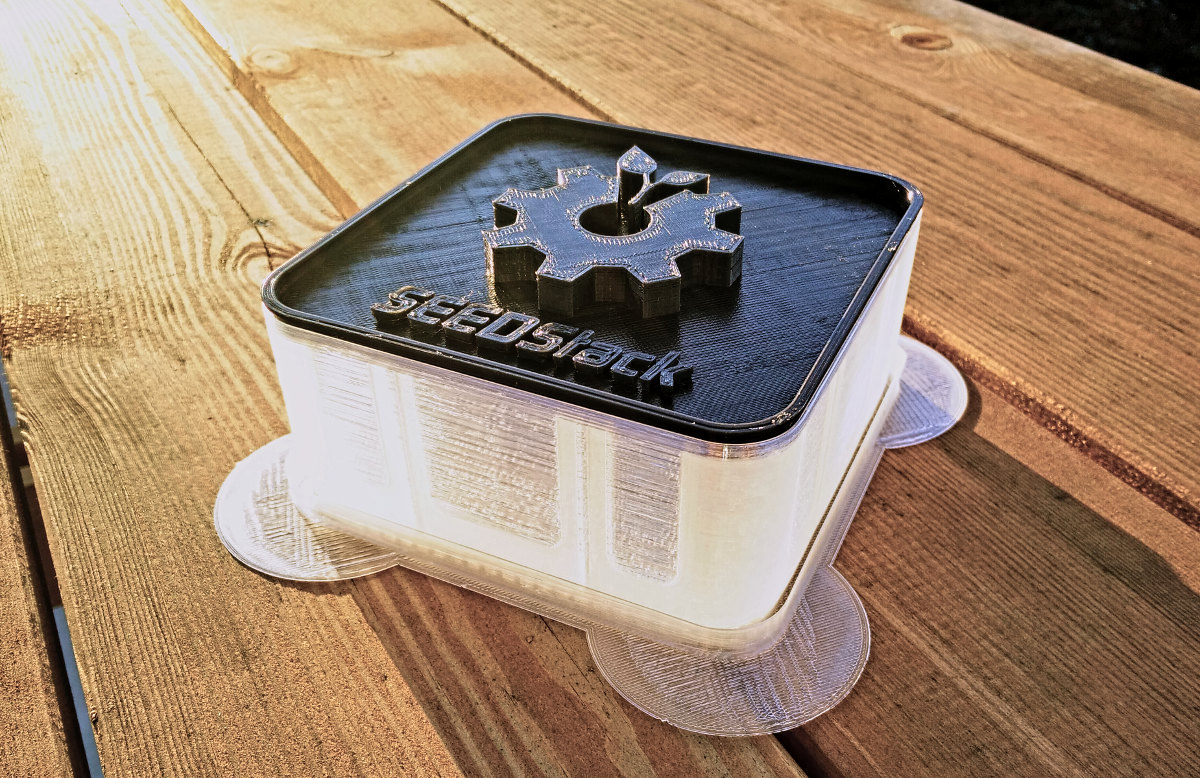
SEEDStack - Open 3D printable seed/sprouting systemDIY Food Hacking

UCSSPM

UCSSPM - Unified Clear-Sky Solar Prediction ModelOpen Solar Power

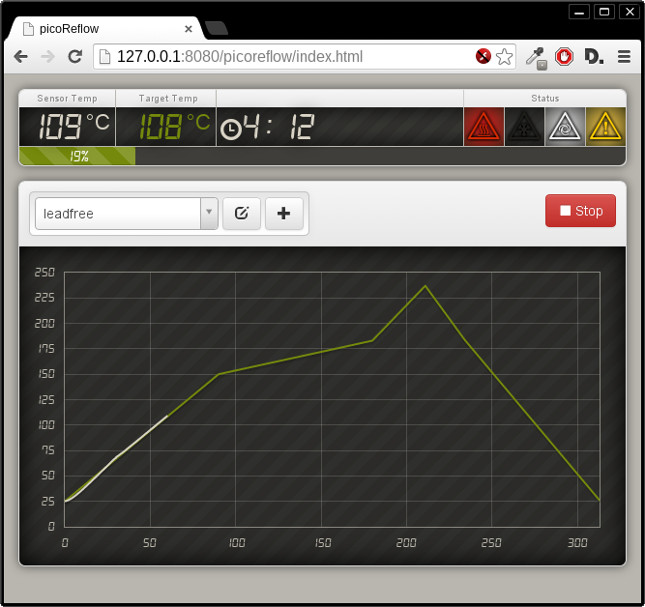
picoReflow

picoReflow - DIY PID Reflow Oven Controller based on RaspberryPiDIY Reflow Soldering

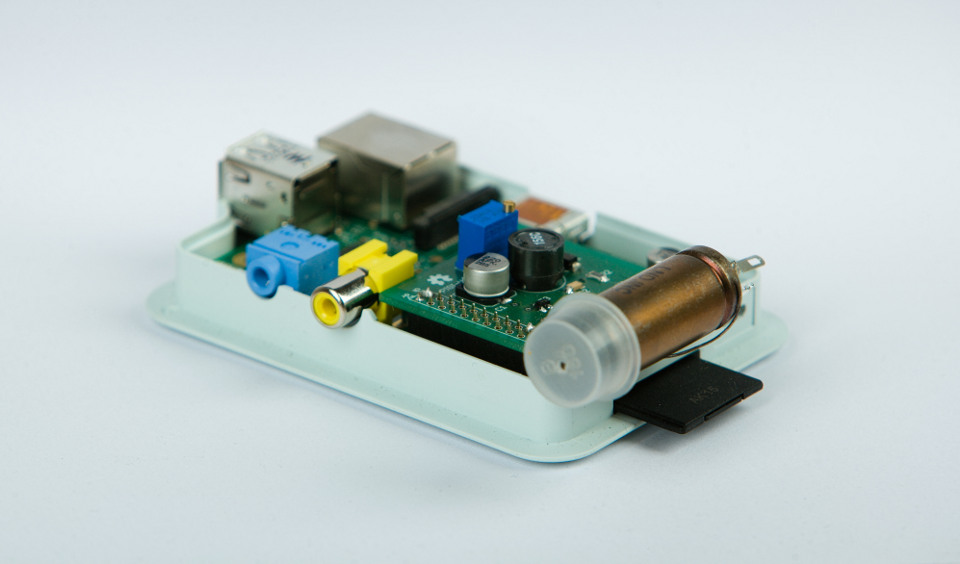
PiGI

PiGI - DIY Geiger Counter based on RaspberryPiRasPi Geiger Counter

DIY ARA-2000

Active Wideband Receiver Antenna for SDR - ARA-2000Wideband Antenna

DSpace

DSPace - Map everythingMap everything!

Mission-Tags

Apollo-NG Mobile Hackbase

Apollo-NG Hackerspacecraft

Apollo-NG is a mobile, self-sustainable, independent and highly-experimental Hackbase, focused on research, development and usage of next-generation open technology while visiting places without a resident, local Hackerspace and offering other Hackers the opportunity to work together on exciting projects and to share fun, food, tools & resources, knowledge, experience and inspiration.

Latest Mission-Log Entries

HOWTO stream ISS HDEV on the desktop background

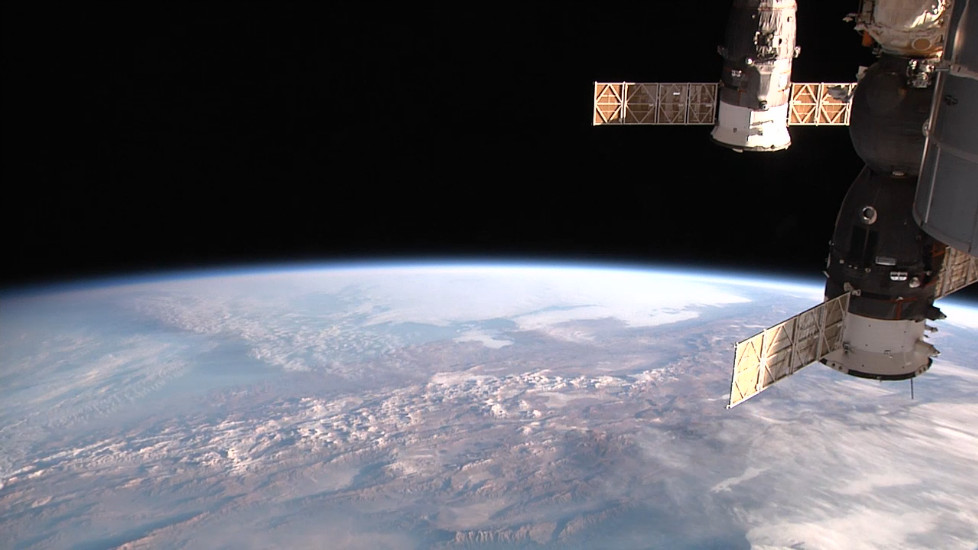
In case you haven't noticed yet, NASA has put a new experiment on the International Space Station, which is called High Definition Earth Viewing (HDEV). You can watch it online via ustream. The experiment's primary purpose is to generate long-term test data, if cheap off-the-shelf consumer HD cameras can be used in space instead of extremely expensive purpose-built “space” cameras. As a benefit, now all people can watch the world from above, in near-realtime, so thank you guys for sharing.

ISS HDEV live capture

Playing stuff in a browser is cool, but having it play in mplayer(2)/mpv seems way more flexible (and can also benefit from GPU video offloading). To grab the stream from ustream you can use https://github.com/chrippa/livestreamer, which works very well.

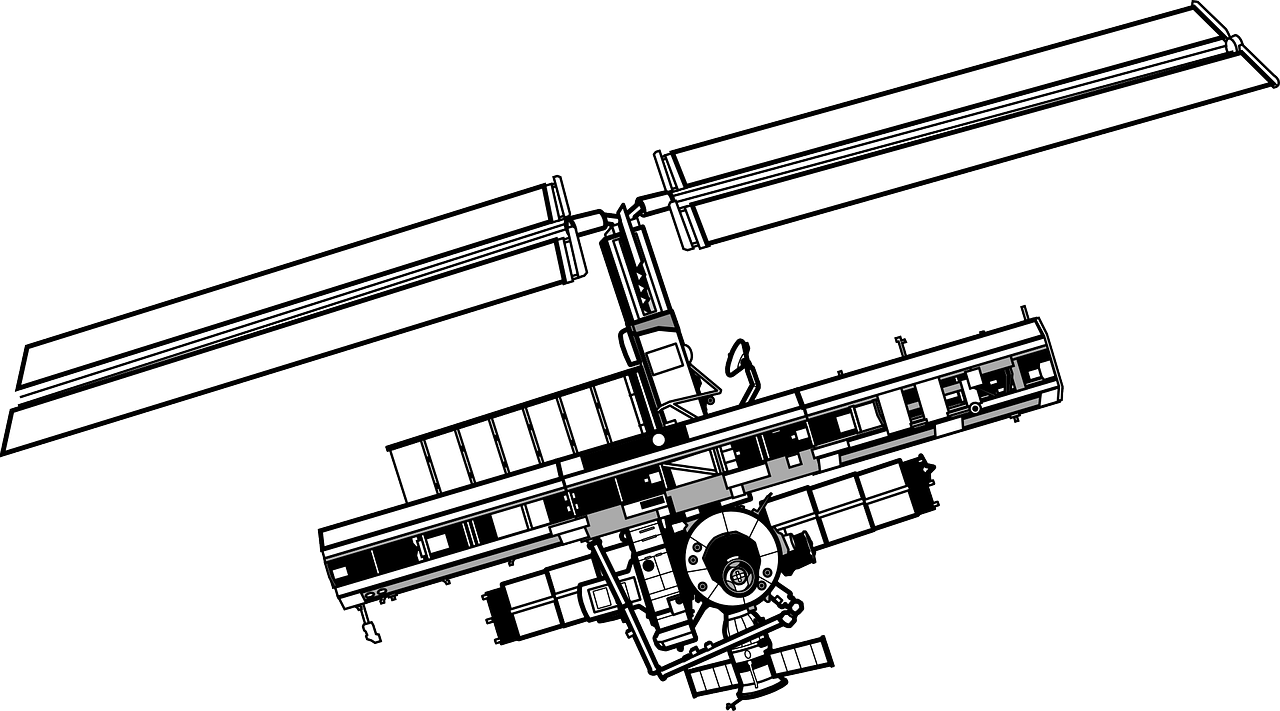
ISS Schematic

mplayer2 based Systems

$ livestreamer -Q http://www.ustream.tv/channel/iss-hdev-payload best --player "mplayer2 -nosound"

MPV based Systems

$ livestreamer -Q http://www.ustream.tv/channel/iss-hdev-payload best --player "mpv --no-audio"

The next level is to use xwinwrap to put the stream on your desktop, instead of a static image. When you've got alpha blending/compositing in your terms (xterm/urxvt etc.) you can even see it in the background of your shells (way awesome).

When you've installed livestreamer and xwinwrap, just call it like this:

mplayer2 based Systems

$ livestreamer -Q http://www.ustream.tv/channel/iss-hdev-payload best \
--player "./xwinwrap -ni -fs -s -st -sp -b -nf -- mplayer2 -wid WID -nosound"

MPV based Systems

$ livestreamer -Q http://www.ustream.tv/channel/iss-hdev-payload best \
--player "./xwinwrap -ni -fs -s -st -sp -b -nf -- mpv --wid 0 --no-audio"

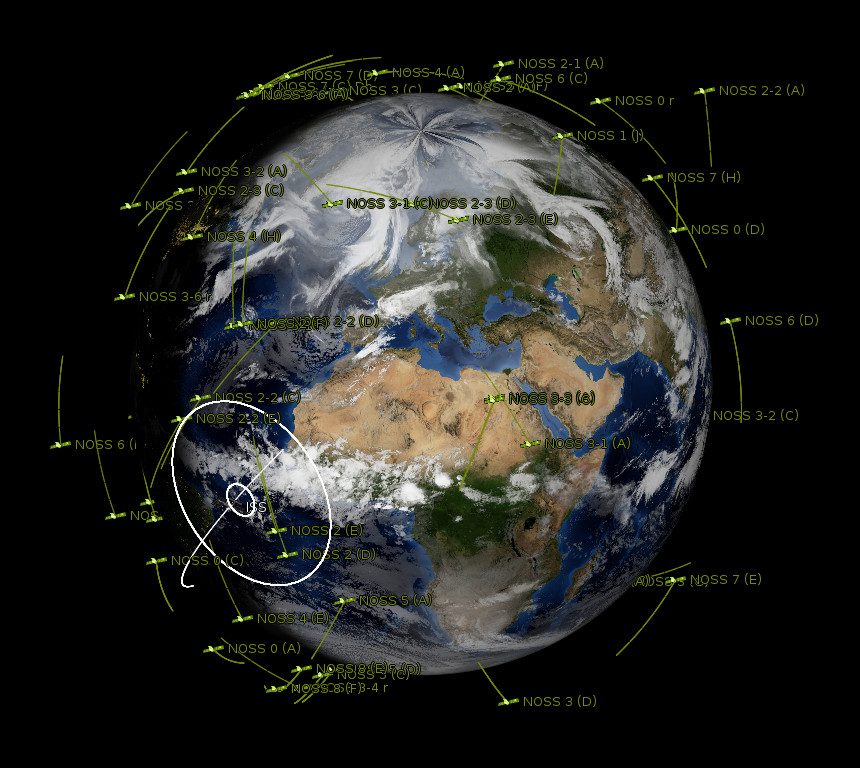
You can use our xfce-planet script, if you want to keep track of the ISS position on another monitor:

Be advised though, the view is spectacular (especially, when you've got it on the wall with a projector) and tends to hypnotize everyone in the room, while they're grasping the beauty of our planet and forgetting all the superfluous, puny and made up problems, mankind needlessly still seems to fight with.

2014-07-07 11:27 · chrono

More PiGI prototype boards finished

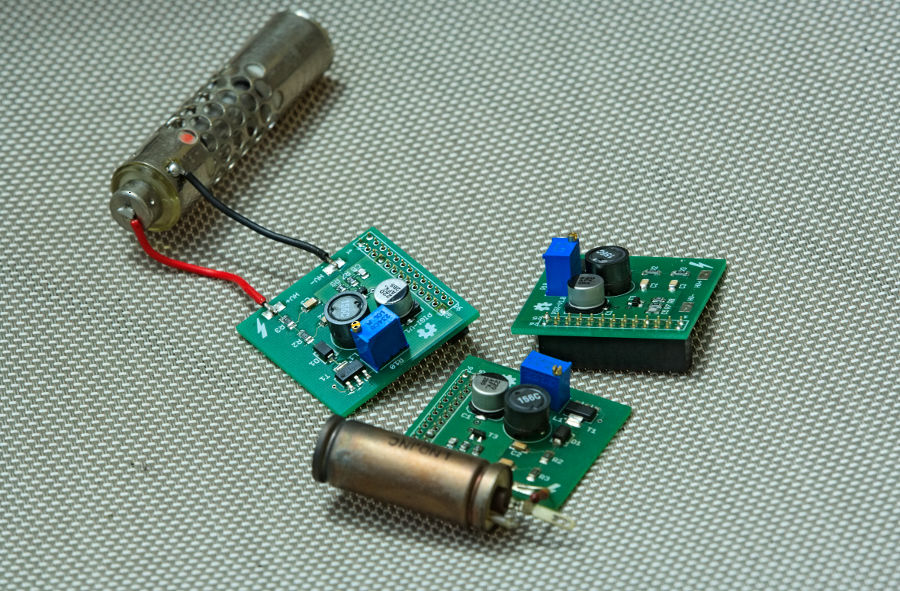
Last Saturday, instead of breakfast, we wanted to have more geiger counters. So we had an early morning soldering session in the open air and with plenty of sunshine we finished two more 1.0 prototype boards so that we have more active PiGI's for tests and further development.

Now we have 3 PiGI Prototype Boards... HoHoHo

→ Read more...

2014-07-01 07:59 · chrono

Open and fresh global cloudmaps for the planet

Back in the early 90's, when I first tried GNU/Linux, there weren't many things I could really do with my X session, due to lack of knowledge, skill, confidence and available open-source software. However, I did play with xearth, a program that renders a somewhat accurate image of our planet. A couple of years later it was replaced by xplanet which offered a lot more features and eye-candy options.

With NASA's release of the visible-earth program we suddenly had open access to high detail day/night, bump (relief) and specular (reflection) maps of the earth which can be used as textures with xplanet.

After playing a bit more with xplanet again for a couple of days in order to get realtime satellite positions directly on the desktop (see xfce-planet) I got frustrated by the cloud layer again. There was a time when some people put up mirrors of the near current (3-6 hours) global cloudmap we could use as a source for xplanet, but now it seems to have been split into some paid subscription model for high resolution and the low resolution image is distributed via CoralCDN, which, although I like the concept, failed constantly in delivering the global cloudmap.

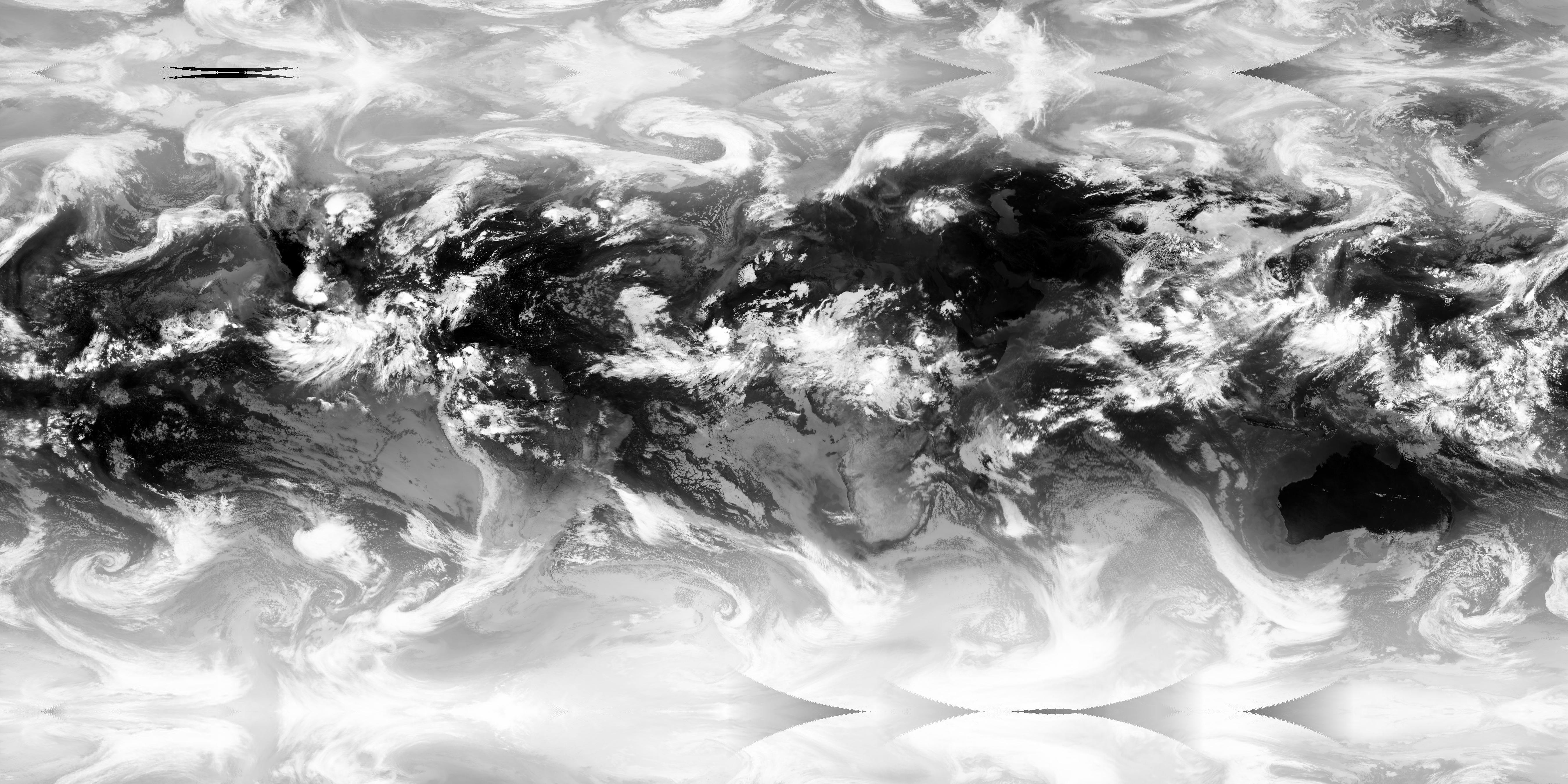
By sheer accident I stumbled upon https://github.com/jmozmoz/cloudmap, so I tried it locally and it worked like a charm which in turn led to the idea to offer the image I need anyways to everyone else who desires to have a fresh high detail cloudmap, without having to set up the required infrastructure. And with that the Global Cloudmap Generator Robot was born, who creates a new cloudmap every three hours and then commits and pushes it to the public global cloudmap repo to use github's infrastructure as CDN we can hopefully rely upon.

And you can just get the latest map by grabbing:

https://raw.githubusercontent.com/apollo-ng/cloudmap/master/global.jpg

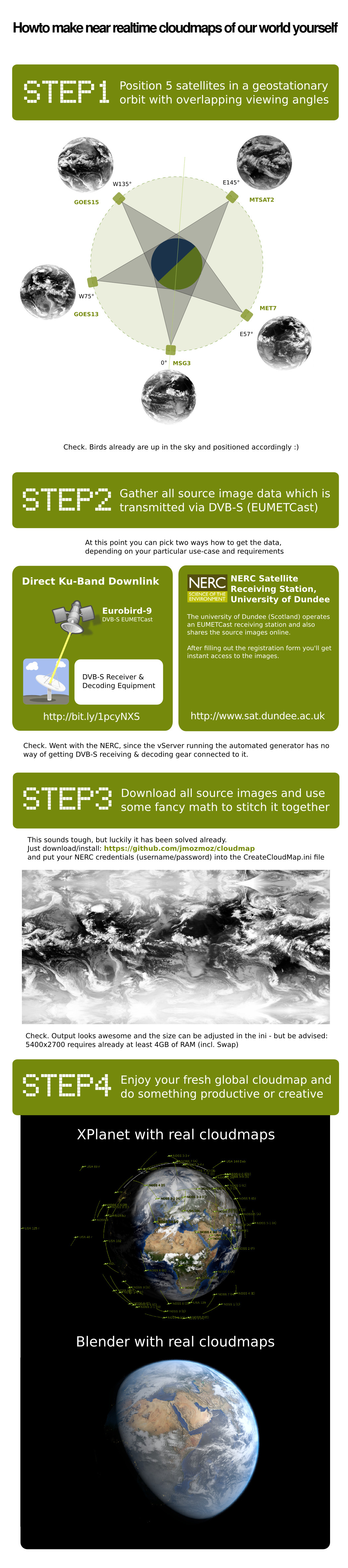
If you're interested in how it all works or want to setup your own/independent cloudmap generator, here is a simplified rundown:

2014-06-17 14:23 · chrono